
3Shape & Medit Link
Add info@premiumdental.com.tr in your cloud portal for instant 1-click case transfer.
One-click digital case submission via 3Shape Communicate, Medit Link, MyiTero, Dentsply Sirona DS Core, and Shining 3D.
Add info@premiumdental.com.tr in your cloud portal for instant 1-click case transfer.
Full native integration with MyiTero, Primescan DS Core, AlliedStar & Shining 3D.
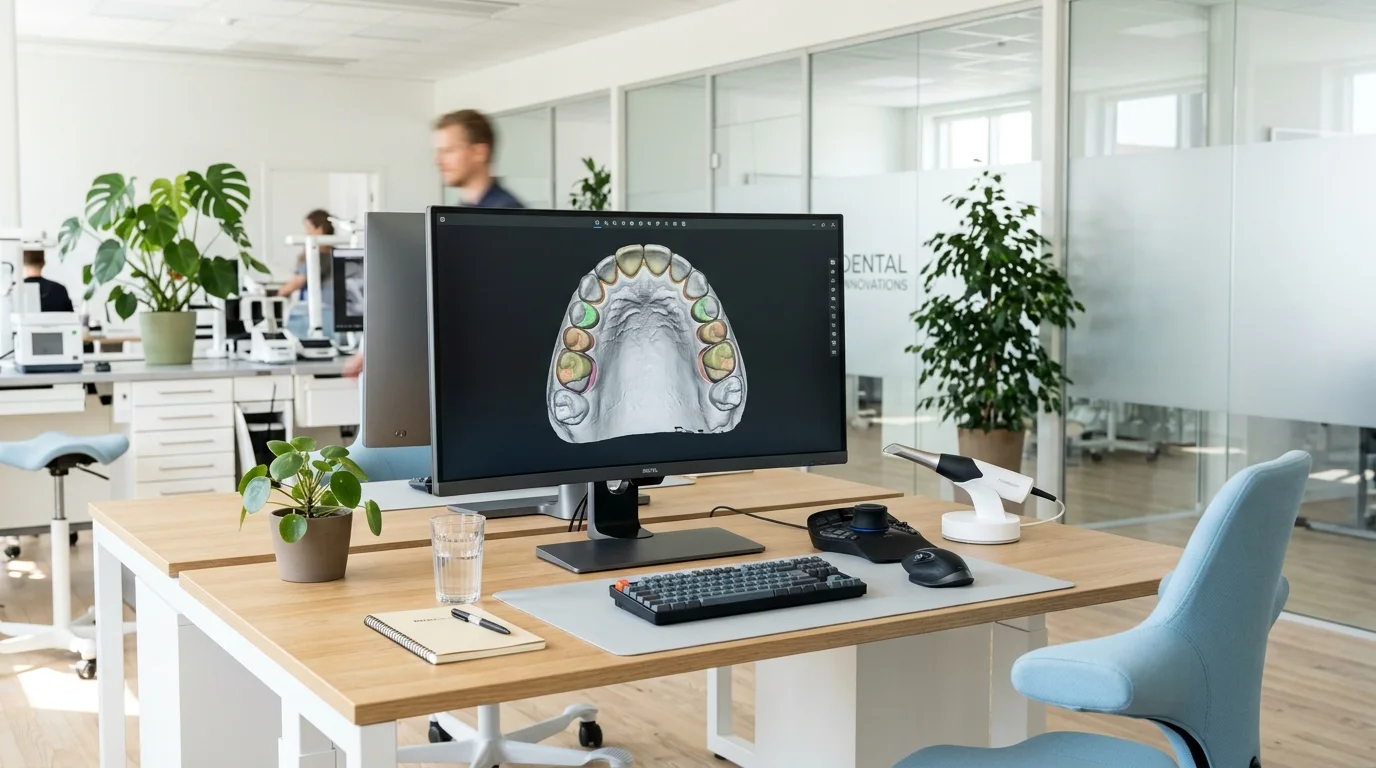
Real-time margin, clearance, and scanbody verification while your patient is still in the chair.
Full support for color-texture PLY and OBJ meshes for subgingival margin clarity.
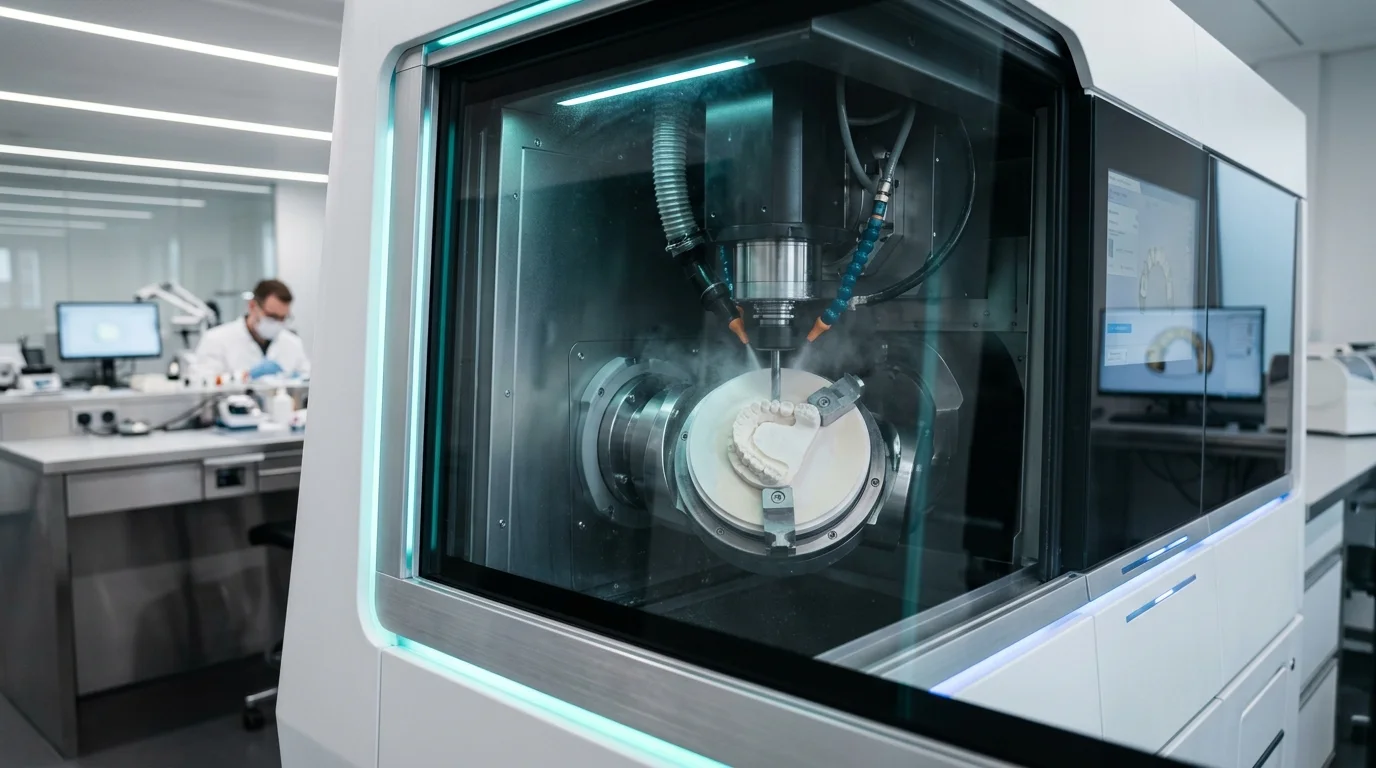
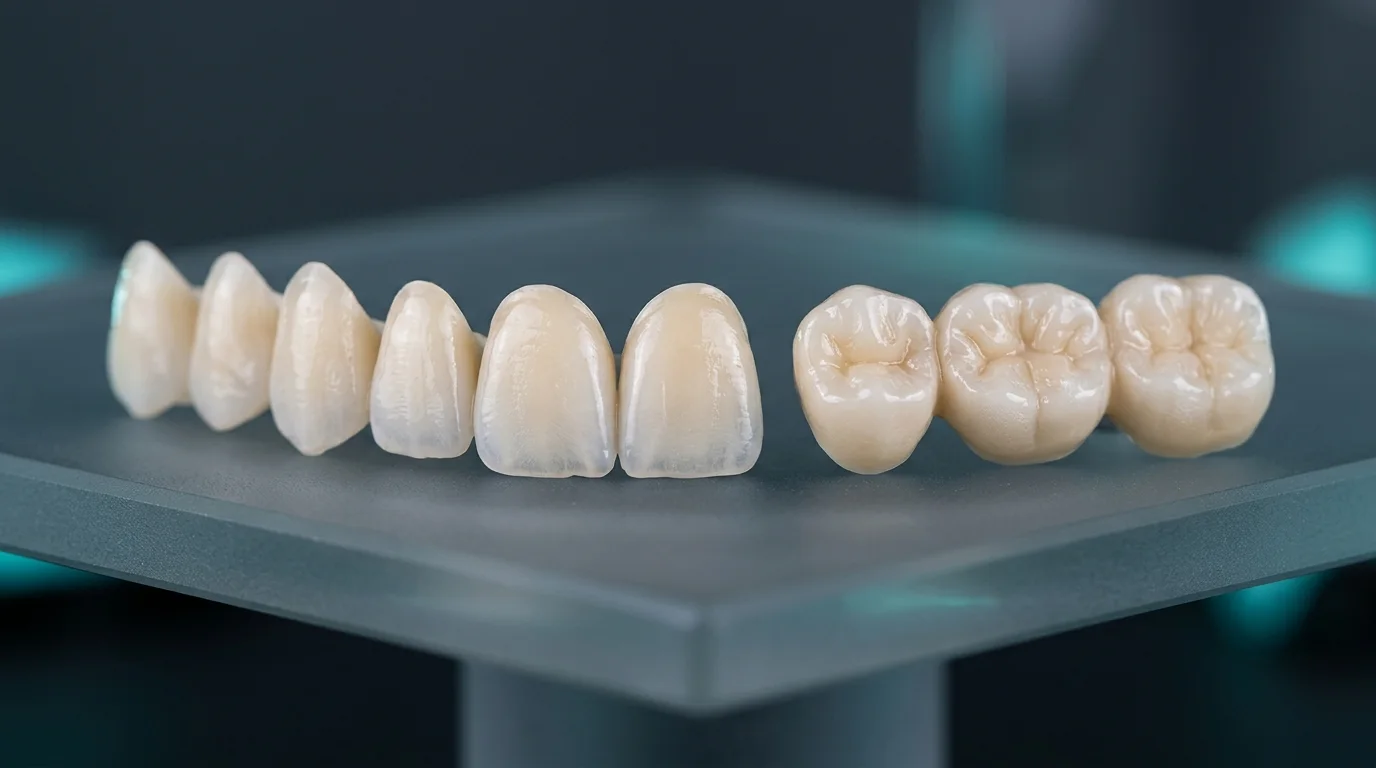
Digital intraoral impressions eliminate elastomer shrinkage, stone expansion, and transit delays — resulting in drop-in crown seating with minimal occlusal adjustment.
Every incoming scan alerts our CAD intake desk immediately. Upon request, our technicians verify margin continuity, occlusal clearance, and scanbody seating within 10–15 minutes before you dismiss the patient.
Lab Pairing Account E-Mail: info@premiumdental.com.tr
Open Connections → Add Connection → Search info@premiumdental.com.tr and send invite for instant pairing.
Go to Partners → Search "Premium Dental" or info@premiumdental.com.tr → Click Request Partnership.
Add our digital laboratory account or export open-architecture color PLY / STL restorative scans.
Share Primescan / Omnicam cases via DS Core or Shining 3D Dental Cloud directly to info@premiumdental.com.tr.
info@premiumdental.com.tr under Connections and send a partner request — approved within minutes.info@premiumdental.com.tr under Partners to link directly.Practical tissue retraction, moisture control, and scan-path techniques for 3Shape TRIOS, Medit, and iTero to achieve drop-in crown seating.
Guided Surgery — 6 min read Prosthetically Driven 3D Surgical Guides: DICOM + STL Superimposition TipsCBCT acquisition and intraoral STL capture guidelines to achieve accurate fully-guided implant placement and ideal screw-access trajectories.
Answers regarding STL scanner pairing, implant libraries, turnaround schedules, and laboratory terms.
Color PLY or OBJ files are helpful for subgingival equigingival margins, while standard open STL meshes work seamlessly across all workflows.
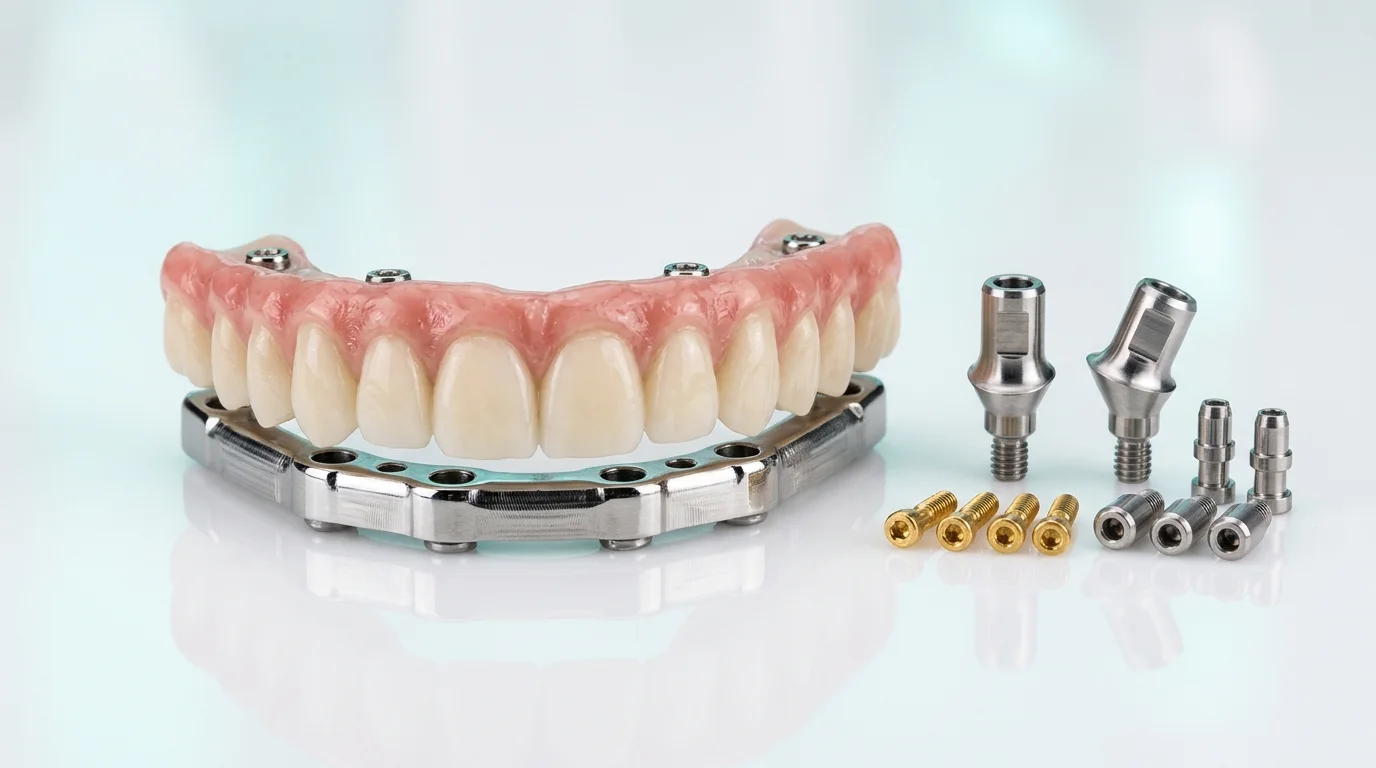
Please include upper arch, lower arch, bite registration, soft-tissue emergence scan (healing abutment removed), and scanbody-in-place scan.
Yes. Upon request, we share an interactive 3D Exocad web viewer link so contours, occlusion, and emergence profiles can be approved prior to milling.
We receive digital STL impressions within seconds via 3Shape Communicate, Medit Link, and iTero, delivering precision restorations via insured courier to dental clinics across all 81 provinces.
Premium Dental CAD/CAM Manufacturing Center, Turkey (Nationwide 81-Province Delivery)
Contact our technical desk to pair your intraoral scanner or request our clinic fee schedule.